Your plans, together in one calendar.
Dinners, trips and appointments on one month view, on iPhone and Android alike.
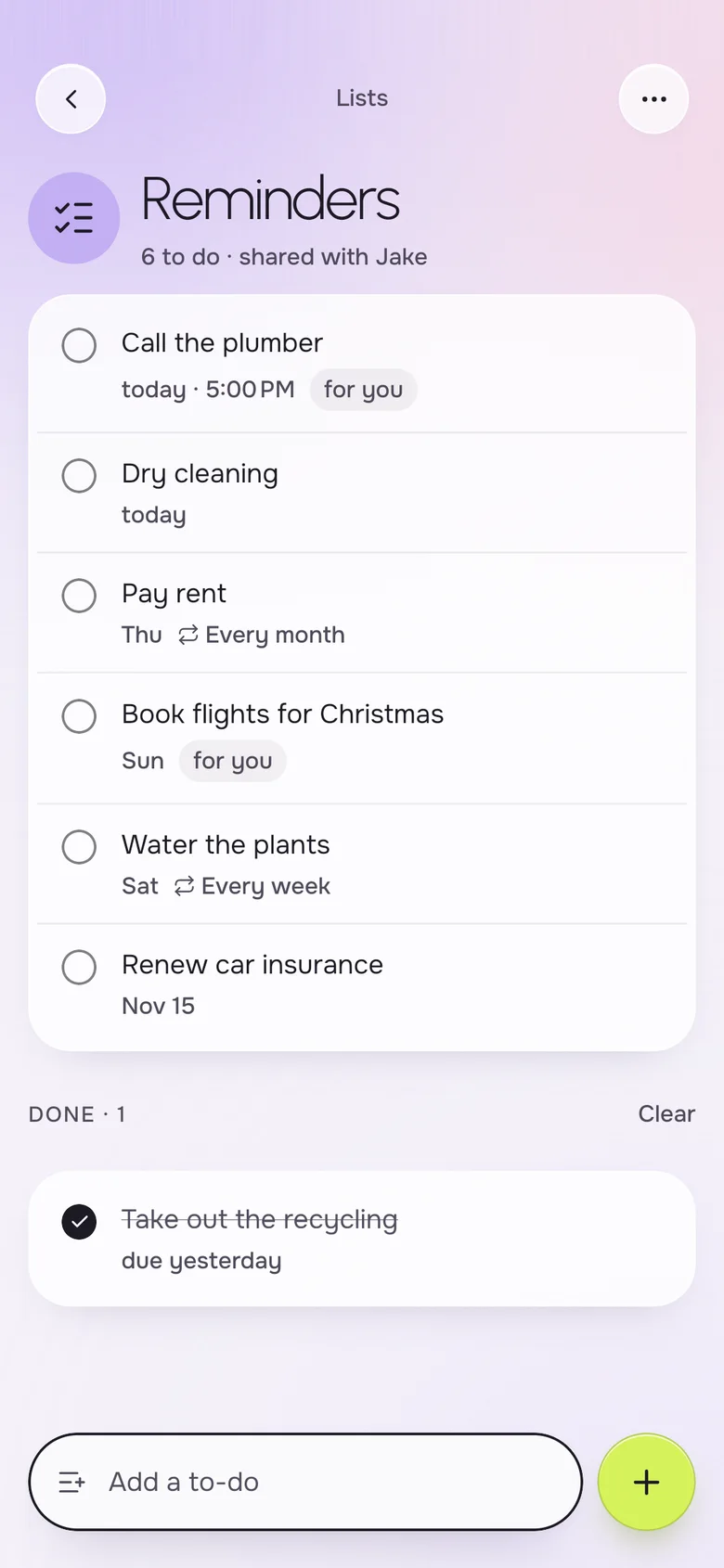
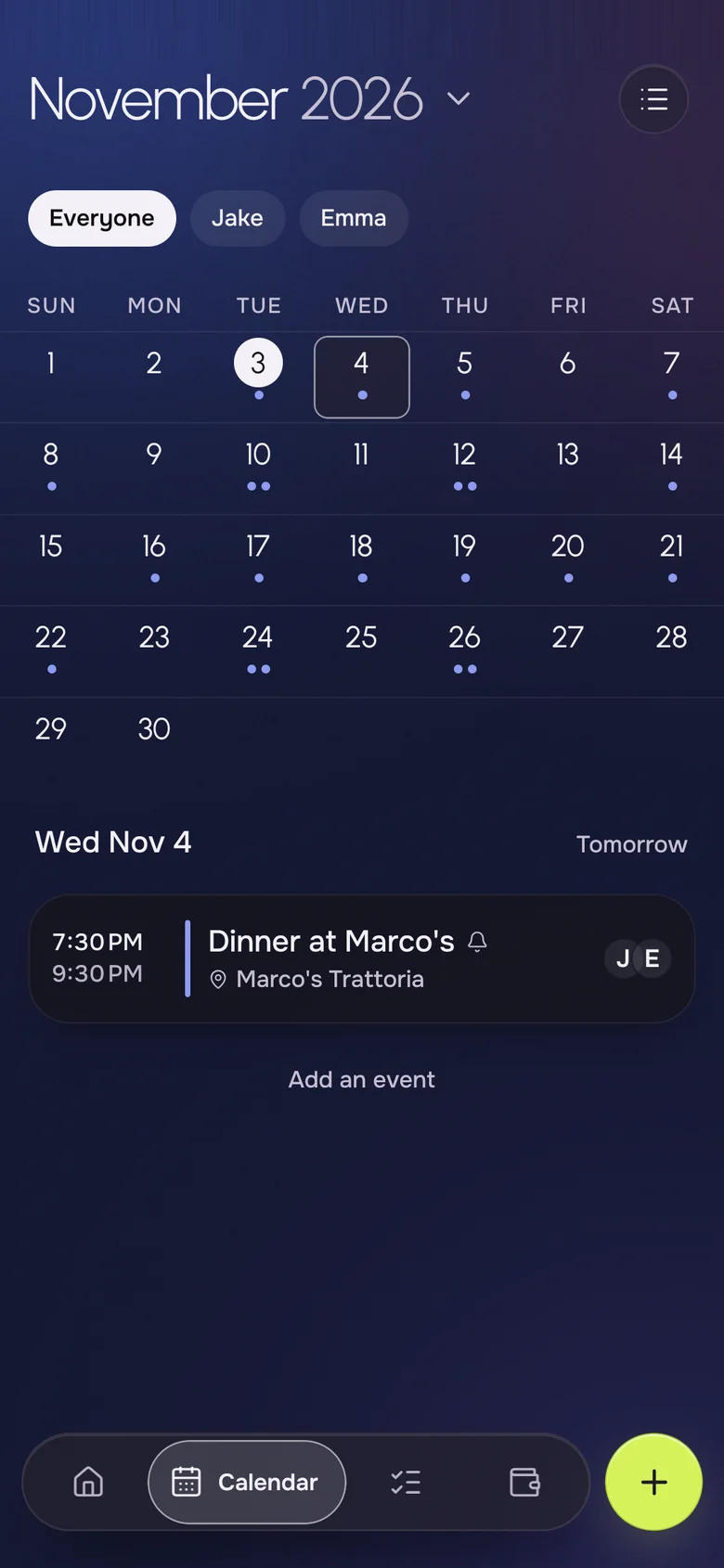
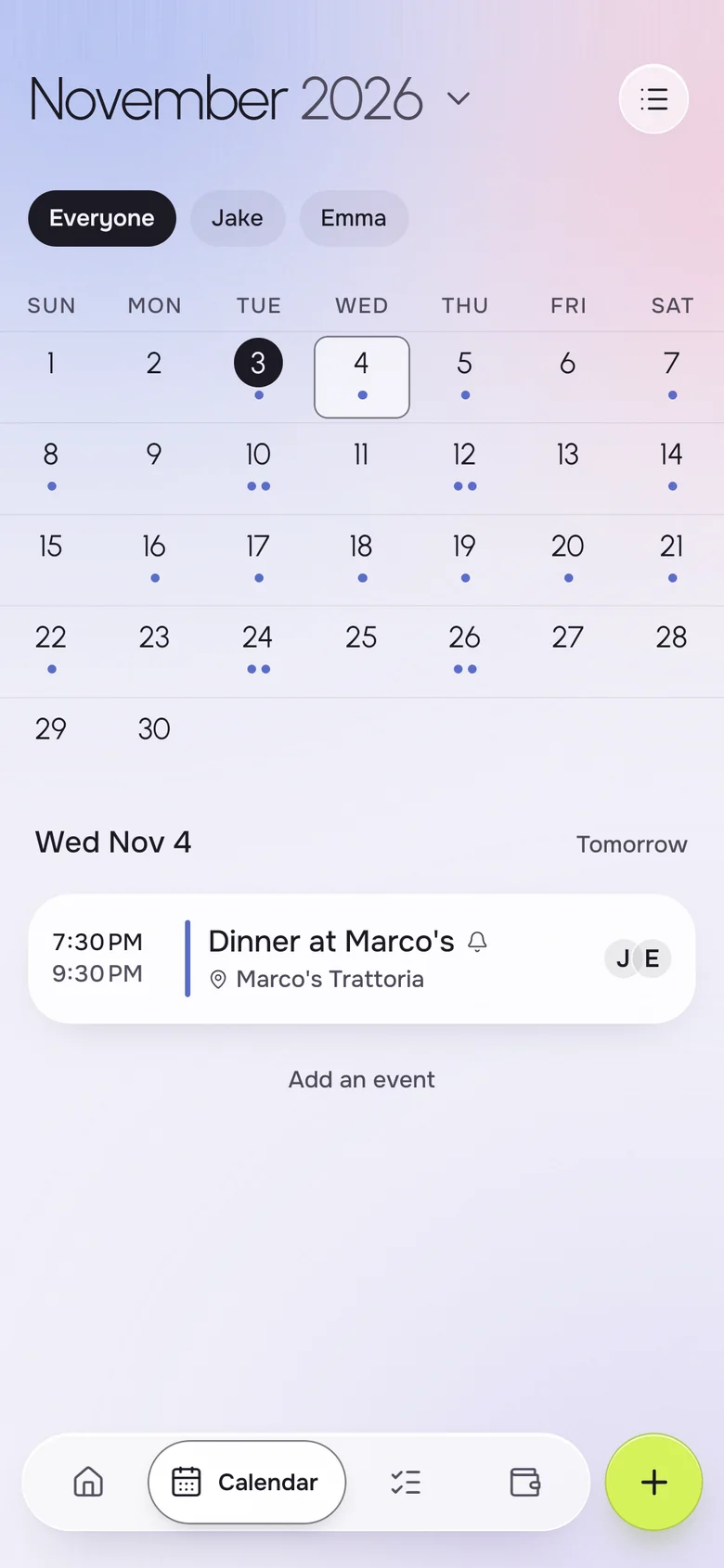
The best shared calendar for a couple is one both of you open without thinking about it. Okto is a free iPhone and Android app with a shared month calendar: add an event once, and it shows on both phones with the place, the people going and any reminder. You can filter the view to just your plans, just your partner's, or everyone.
Instead of
- "What time is dinner again?"
- two calendars that never match
- a screenshot of your week
- a double-booked Saturday
One calendar, the same on both phones.
A calendar built for two
The month view shows every plan of the household at a glance, and one tap opens the day agenda. Add an event for both of you, for just yourself, or for your partner, and it appears on their phone as soon as you save.
- Month view and a day agenda one tap away
- Filter by Everyone, Emma or Jake
- Place, participants and a reminder on every event
- Events that repeat, such as every week or every month
- Works offline and syncs when the network returns
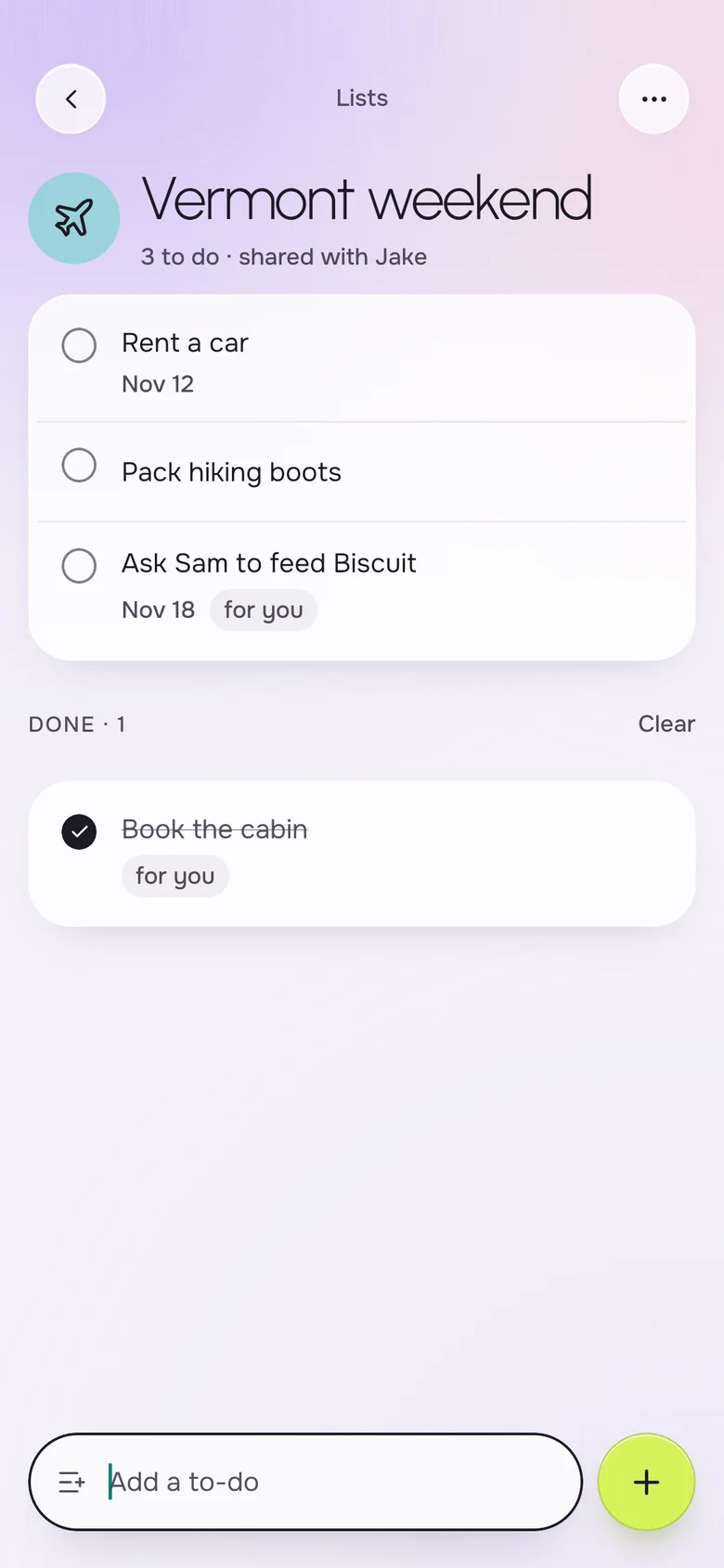
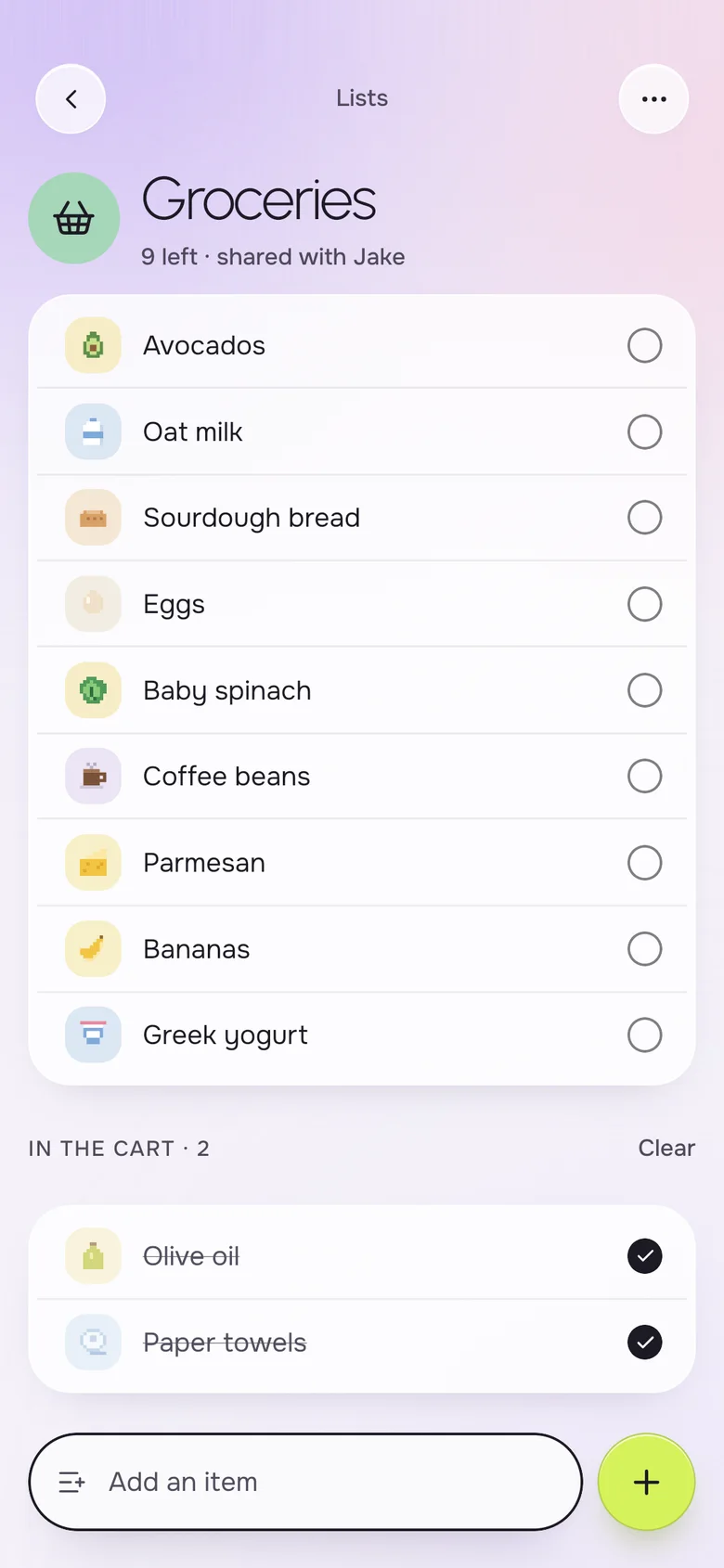
Plans come with a to-do list
Most plans create small jobs: book the cabin, pack the boots, ask a friend to feed the dog. Keep those in a shared list next to the calendar, so the weekend and what it needs live in the same app.
- A list for each trip or project, with its own icon and color
- Assign an item to yourself or to your partner
- Due dates and times on every reminder
- A shared grocery list for the dinner you just scheduled
And the bill for the night out
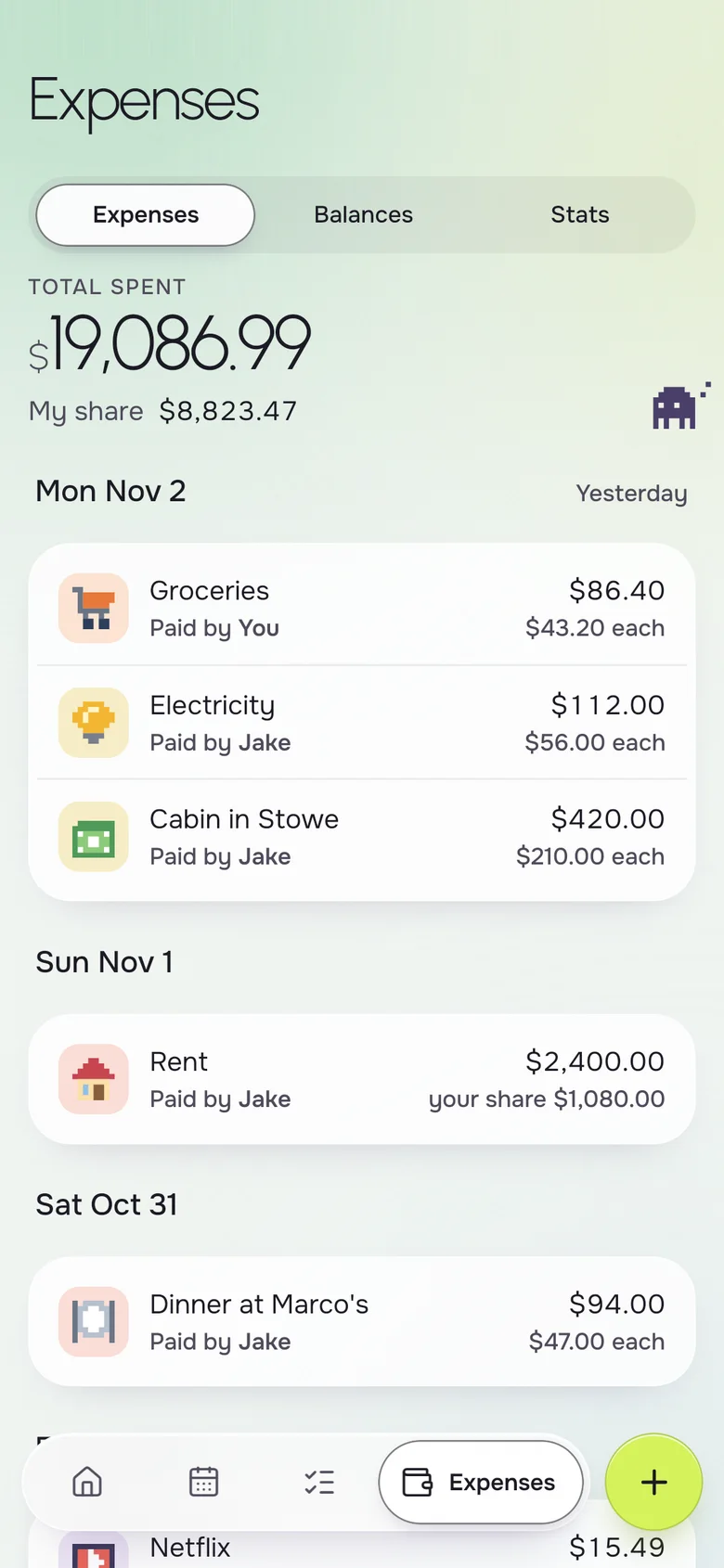
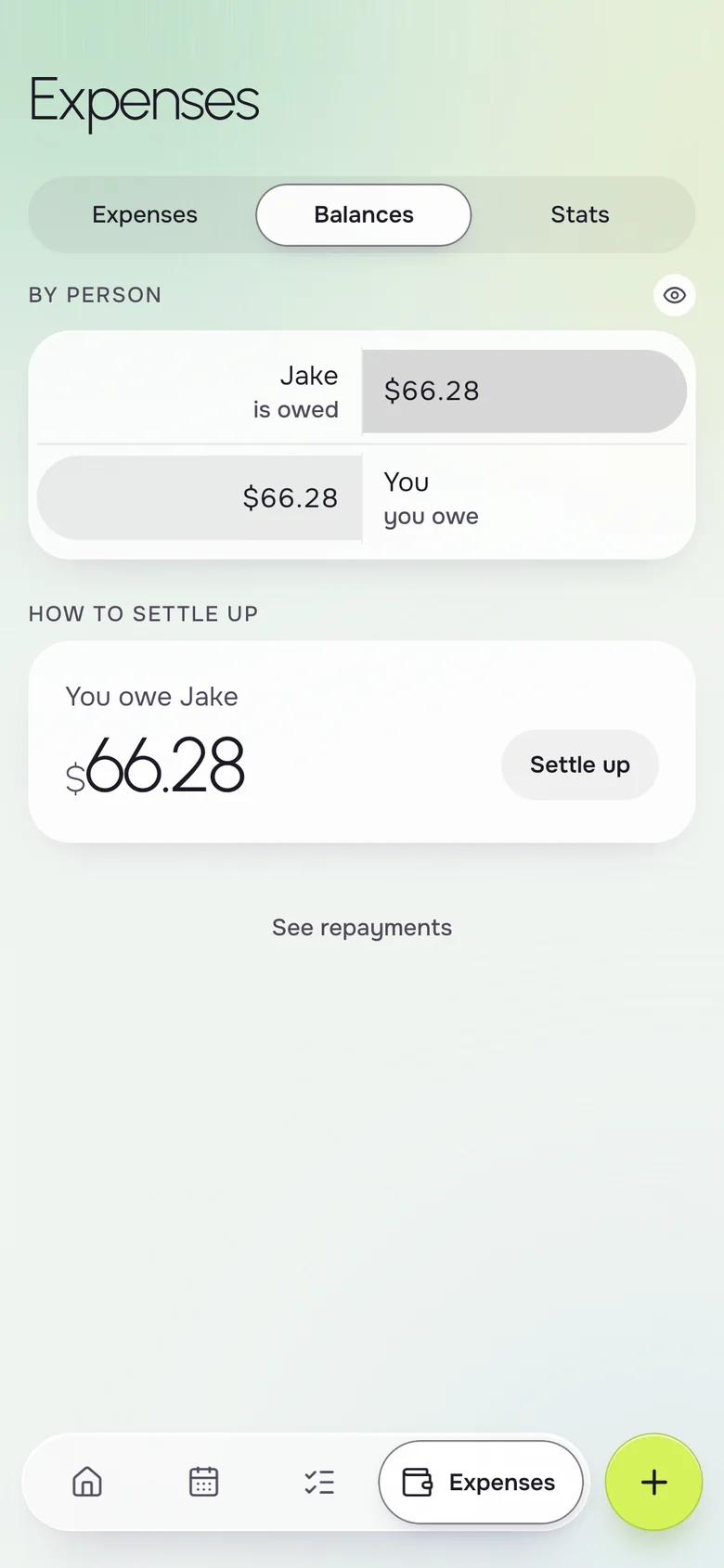
When the plan costs money, add the expense right after the event. Okto splits it the way you choose and keeps a running balance, so nobody has to remember who paid for the cabin.
- Split equally, by amounts or by percentages
- Paid-by on every expense
- A balance you can read in one line
- Works in any currency you pick for the household
Next up, on the Home screen
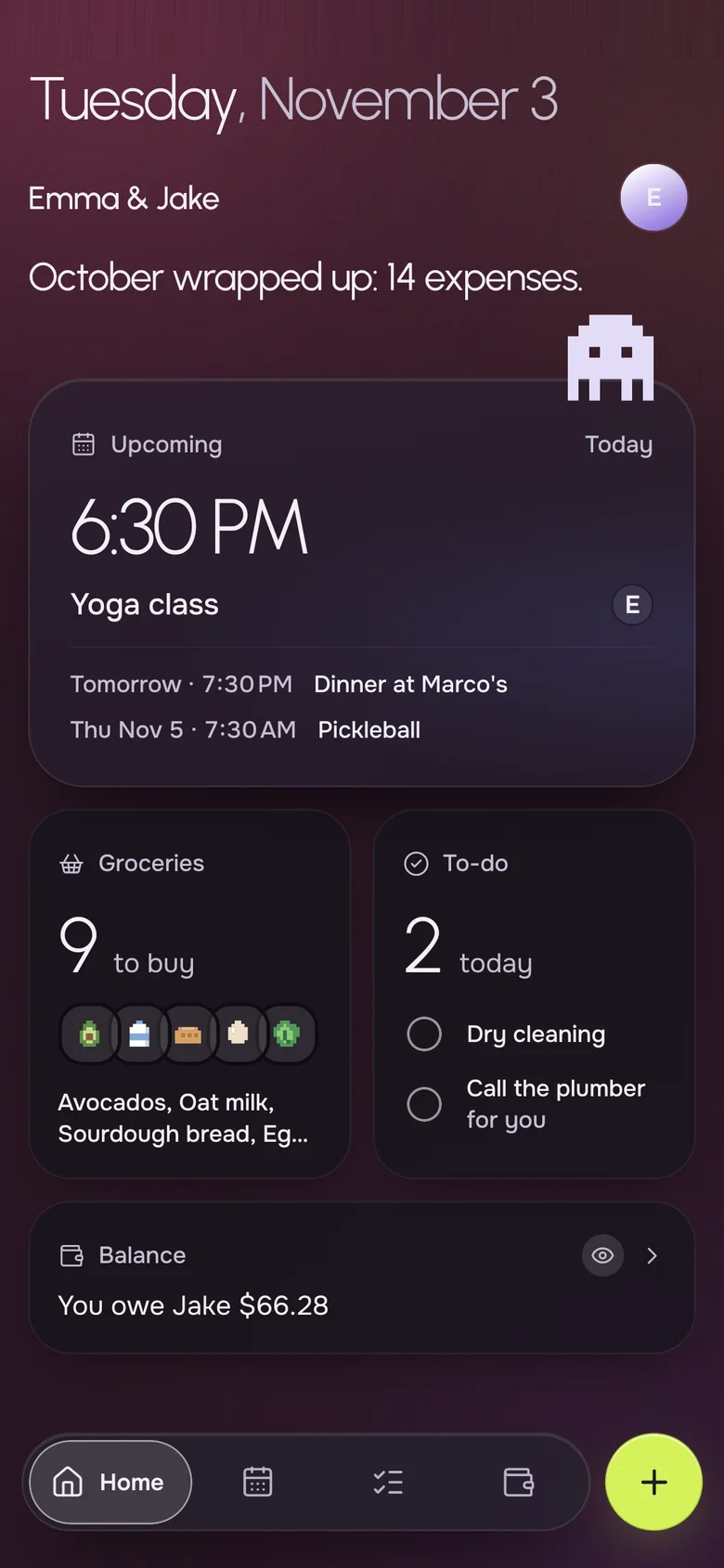
Open Okto and the first thing you see is the next event, with its time and place, followed by what you need to buy and what is due today. It answers "what are we doing tonight" before you have to ask.
- The next event with its time and who is going
- Today's to-dos and groceries to buy
- Light and dark mode
Your iPhone, their Android. Same household.
- Live on both phones
- Add milk on one phone, it shows on the other a second later.
- Works offline
- The list is on your phone, even in a store with no signal.
- No ads, ever
- Okto is paid for by Okto Plus, not by your data.
- Private by design
- Only the two of you see your household. Data hosted in the EU.
Free for the two of you. Plus when you want more.
One subscription covers the whole household: if one of you subscribes, you both get Okto Plus. Okto is free during the beta.
Okto
$0
Everything you need to run the house together.
- Shared calendar with month view
- Shared groceries, reminders and lists
- Shared expenses and balances
- iPhone and Android, offline, no ads
Okto Plus 14-day free trial
$4.99 a month, or $34.99 a year
For both of you, on one subscription.
- Two-way sync with your phone's calendars (Google, iCloud)
- Rent, bills and to-dos that repeat by themselves
- Monthly stats of what you spend together
- Export your expenses
Questions, answered
What is the best shared calendar app for couples?
It is the one both partners will actually open. Okto gives a couple a shared month calendar with a per-person filter, places, reminders and repeats, plus shared lists and expenses in the same app, on iPhone and Android.
Can we use a shared calendar if I have an iPhone and my partner has an Android?
Yes. Okto runs on both, and both phones show the same calendar. Events you add appear on the other phone within moments.
Can I see only my events, or only my partner's?
Yes. The calendar has a filter for Everyone or for each person in the household, so you can scan your own week or check what your partner has planned.
Is the shared calendar free?
Yes. The shared calendar, events, reminders and repeats are free. Okto Plus, at $4.99 a month or $34.99 a year for both of you, adds two-way sync with the calendars already on your phones, and it starts with a 14-day free trial.
Does the calendar work without internet?
Yes. Each phone keeps a copy of your household, so you can look up Saturday's plan with no signal. New events sync when you are back online.
How is this different from sharing a Google or Apple calendar?
A shared calendar app only holds dates. Okto puts the calendar next to your shared lists and expenses and a Home screen that sums up the day. If you still want your phone's own calendar in the loop, Okto Plus syncs with it both ways.
Put the week in one place.
Download Okto, invite your partner, and the next dinner is already on both calendars.