Moving in together, sorted step by step.
The paperwork, the money talk and the first week, kept in one shared app.
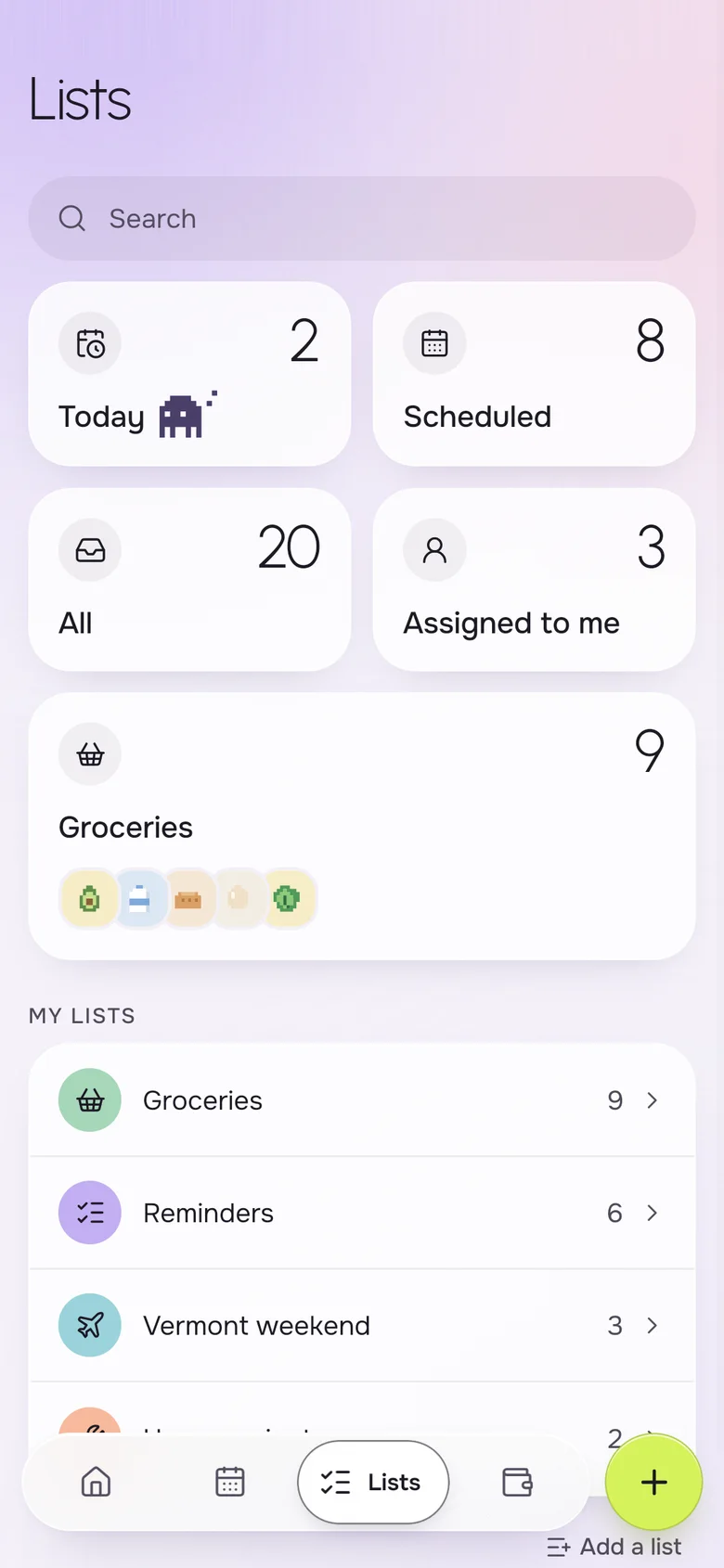
A moving in together checklist covers the lease and deposit, utilities and internet, how you will split rent and bills, the dates that matter and the first grocery run. Okto helps a couple keep it on both phones: a shared list for home projects, expenses split the way you agree, and a shared calendar for move day.
Instead of
- a notes app list only one of you sees
- "who is setting up the internet?"
- an unspoken plan for who pays what
- a move date in two calendars
The whole move, in one shared place.
The checklist, step by step
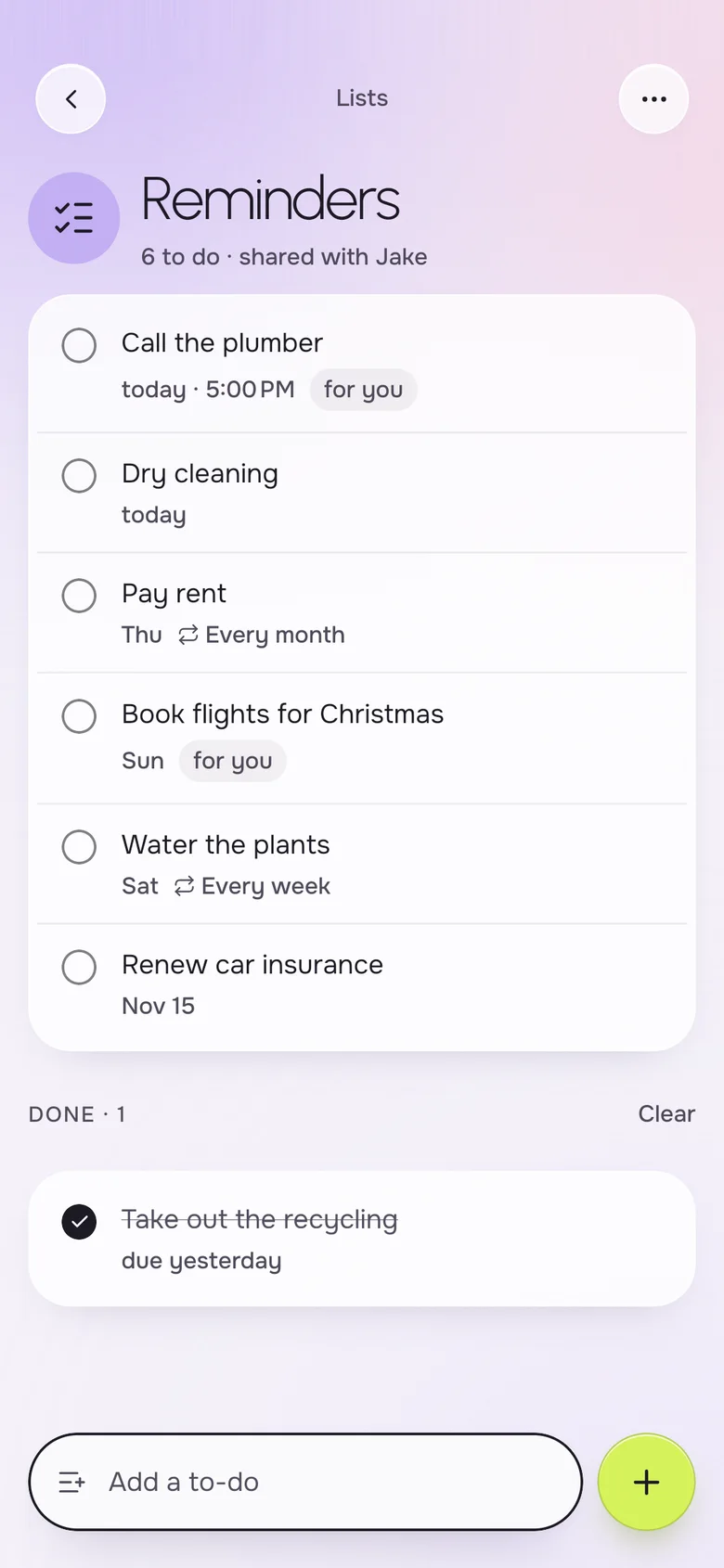
Start with the paperwork and the setup. Put each item on a shared list and give it an owner, so the lease, the utilities and the move itself do not rest on one person.
- Lease: whose names are on it, the deposit, the end date
- Utilities: electricity, gas, water and internet
- Renters insurance and a change of address
- Furniture, who brings what and what to buy
- A "Home projects" list for everything after move day
Talk money before the first rent
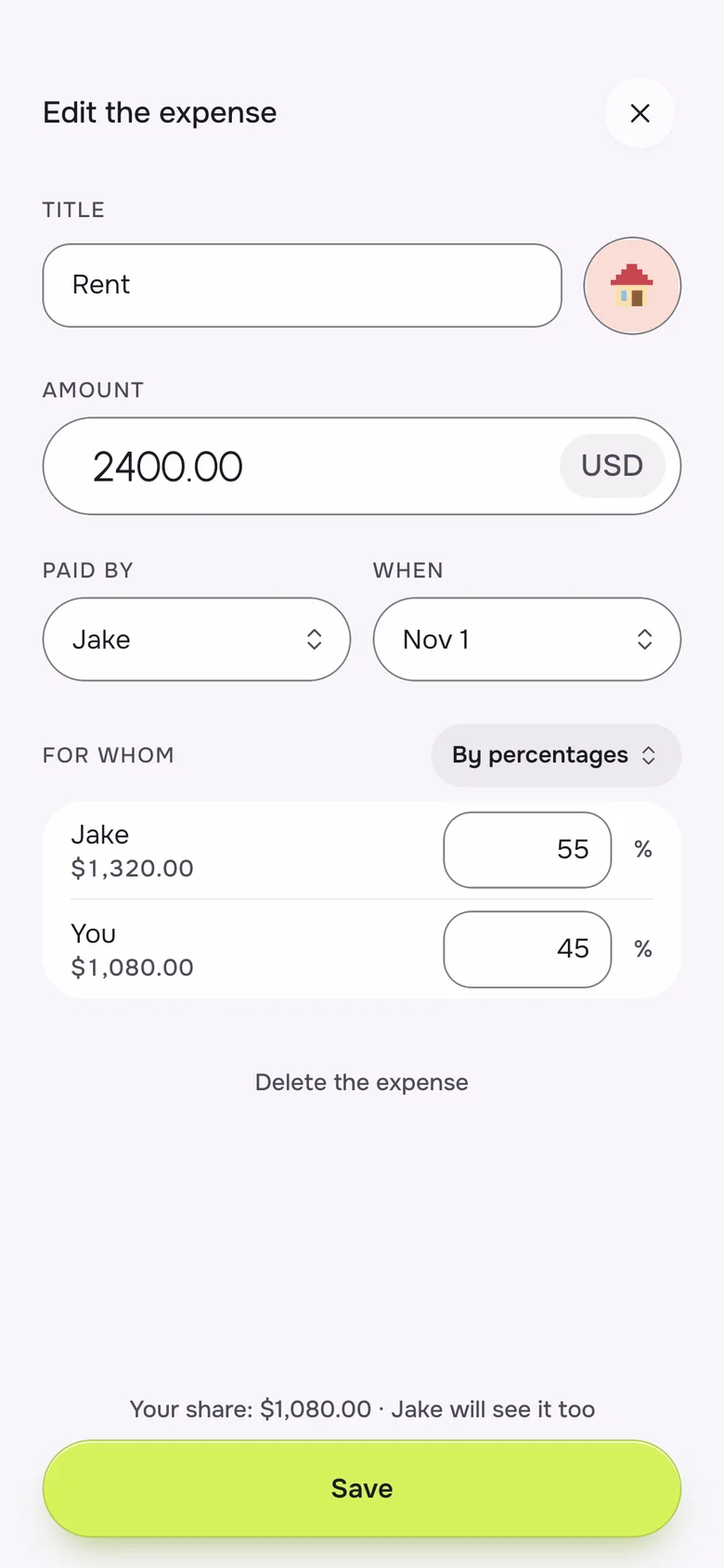
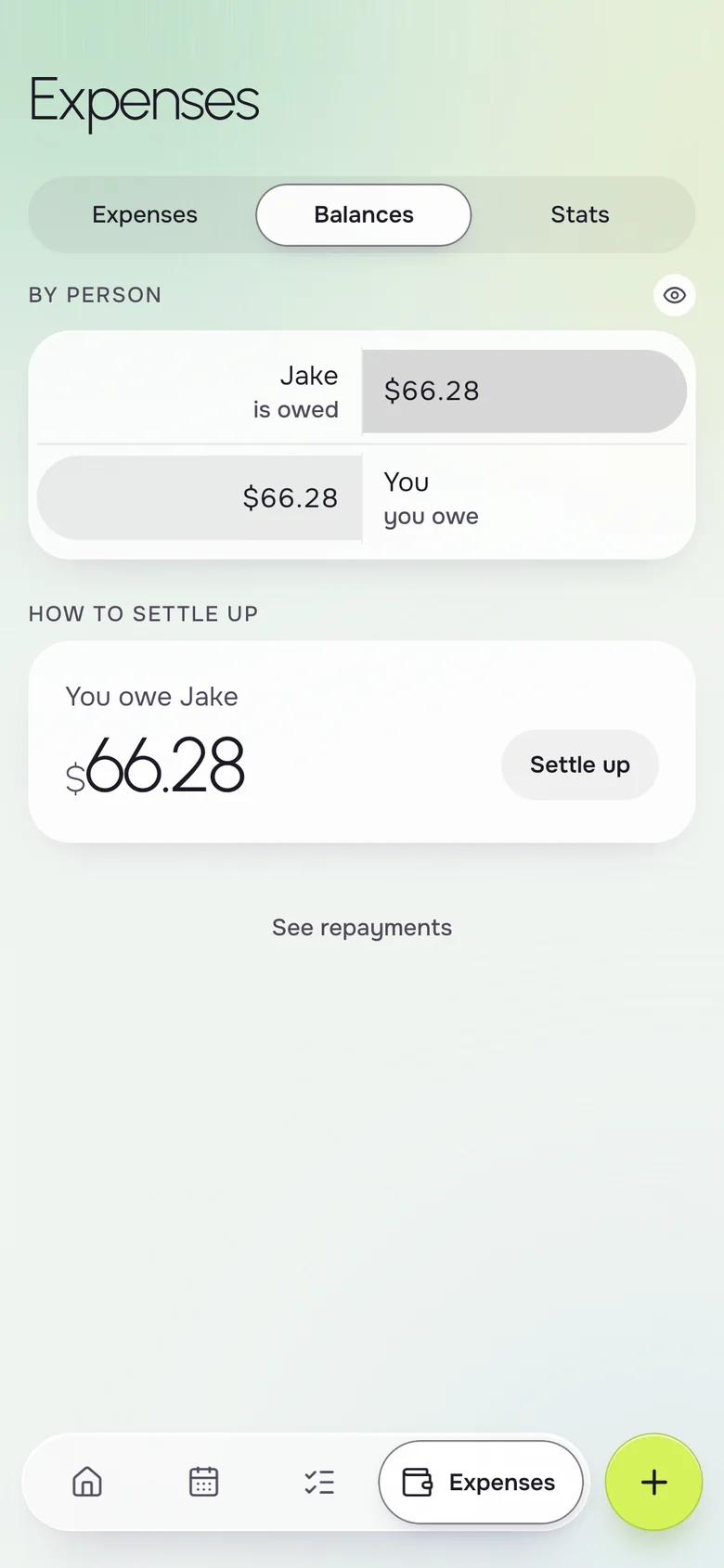
Decide early how shared costs divide. Equal is simple, and a split by income can feel fairer if you earn different amounts. Then record each shared cost so the balance does not become a surprise.
- Agree on equal or by income, such as 55/45
- Rent $2,400 at 55/45 is $1,320 and $1,080
- Decide which costs are shared and which are personal
- Log each shared cost with who paid
- Repeating rent and bills with Okto Plus
Dates that matter in month one
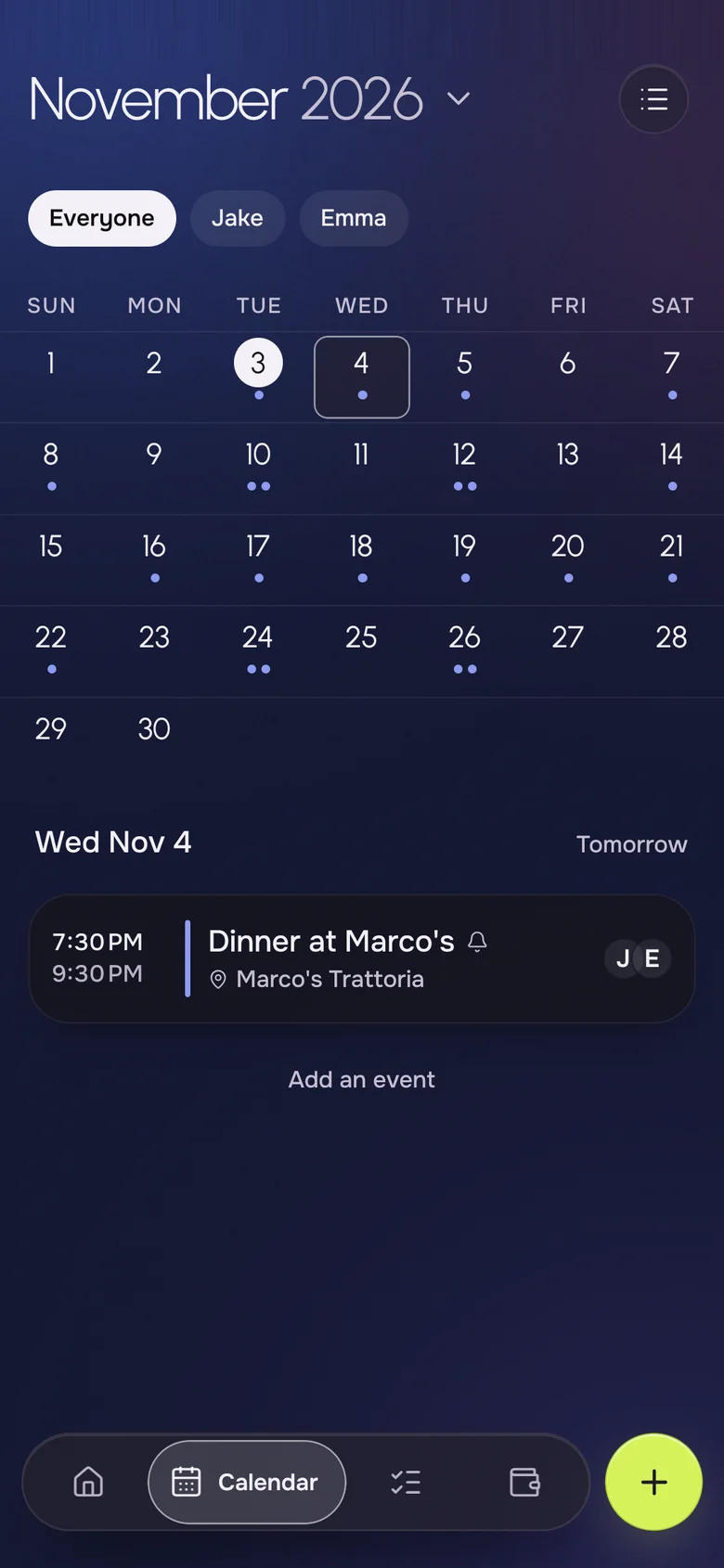
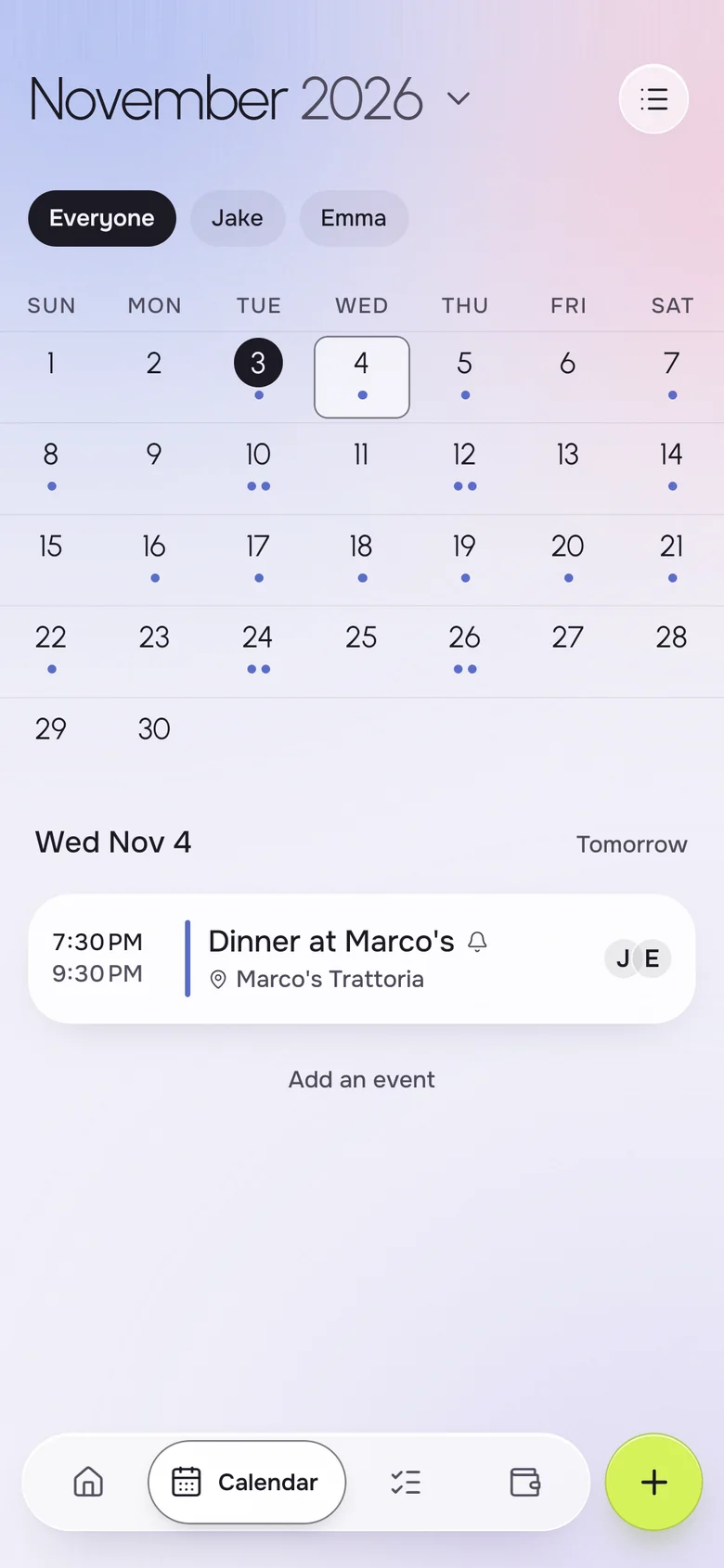
Put move day, the day the internet is installed, the lease start and the first rent on one shared calendar. Both of you see the same dates, and you can add a place and a reminder to each.
- Move-out and move-in days
- Delivery and installation windows
- The first rent and bill due dates
- Housewarming and guests
First groceries and a daily view
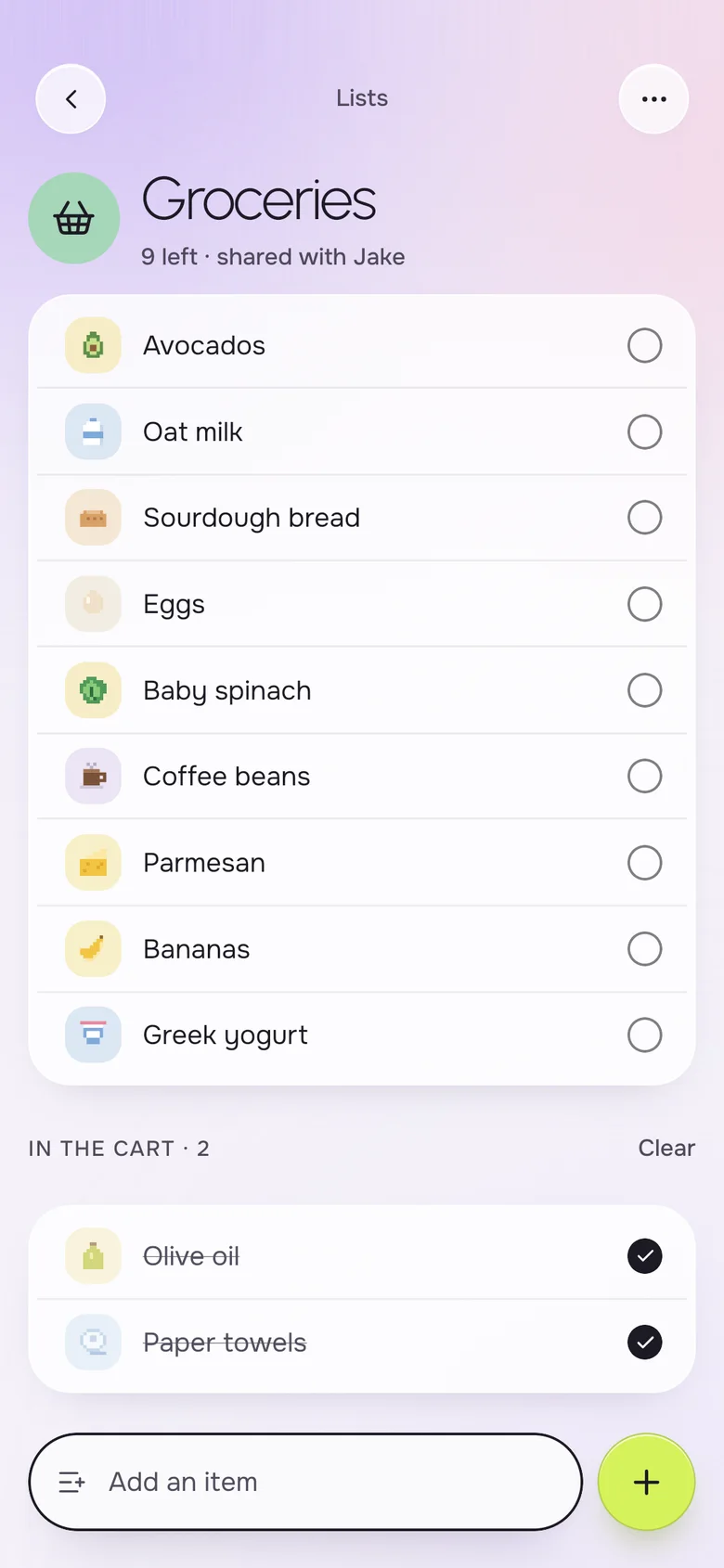
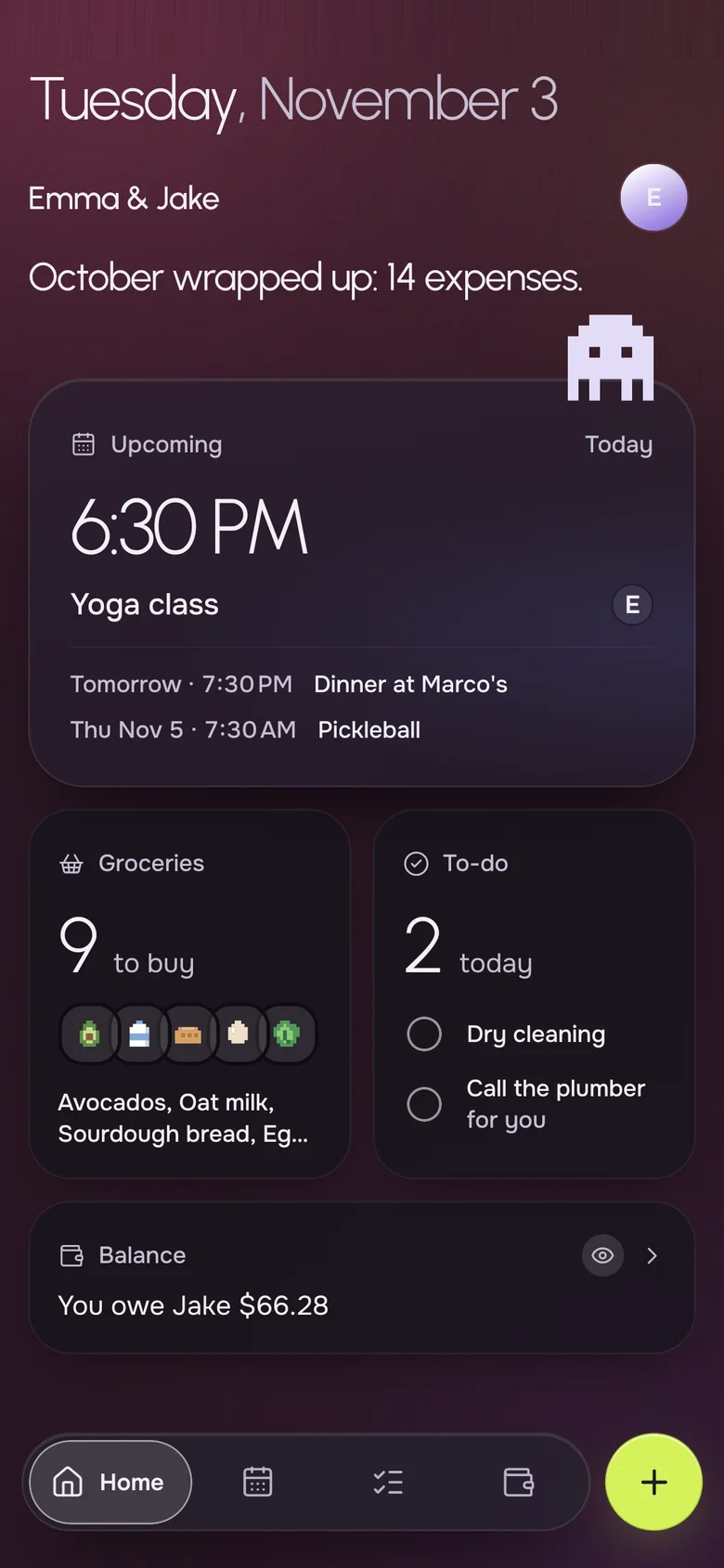
The first shop is a long one: basics, cleaning supplies and a few things for the pantry. Use one grocery list and Home shows what is left to buy, what is due today and where you stand on money.
- One shared grocery list, ticked from both phones
- An "in the cart" section while you shop
- Today's to-dos on the Home screen
Your iPhone, their Android. Same household.
- Live on both phones
- Add milk on one phone, it shows on the other a second later.
- Works offline
- The list is on your phone, even in a store with no signal.
- No ads, ever
- Okto is paid for by Okto Plus, not by your data.
- Private by design
- Only the two of you see your household. Data hosted in the EU.
Free for the two of you. Plus when you want more.
One subscription covers the whole household: if one of you subscribes, you both get Okto Plus. Okto is free during the beta.
Okto
$0
Everything you need to run the house together.
- Shared calendar with month view
- Shared groceries, reminders and lists
- Shared expenses and balances
- iPhone and Android, offline, no ads
Okto Plus 14-day free trial
$4.99 a month, or $34.99 a year
For both of you, on one subscription.
- Two-way sync with your phone's calendars (Google, iCloud)
- Rent, bills and to-dos that repeat by themselves
- Monthly stats of what you spend together
- Export your expenses
Questions, answered
What should be on a moving in together checklist?
Cover the lease and deposit, who sets up utilities and internet, renters insurance, a plan for splitting rent and bills, move day logistics and the first grocery run. Add a list for projects you want to tackle later.
How should we split rent and bills when moving in together?
Common choices are an equal split or a split proportional to income. Talk about it before signing, write down what you agree and check back after a raise or job change. Okto supports equal splits, exact amounts and percentages.
What money questions should we ask before moving in?
Ask how you will pay rent and utilities, what counts as a shared cost, how you will handle a deposit and what happens if one income changes. A short, honest conversation now prevents resentment later.
Can we keep the whole checklist in one app?
Yes. In Okto you can create a custom list such as Home projects, add expenses with a chosen split, put move day on the shared calendar and keep a shared grocery list.
Does Okto move money or hold our deposit?
No. Okto only records who paid and shows the balance. It is not a bank and does not connect to one.
Is Okto free for new households?
Yes. The calendar, lists and expenses are free. Okto Plus, $4.99 a month or $34.99 a year for both of you with a 14-day free trial, adds repeating expenses, monthly stats and two-way calendar sync.
A good start to your place.
Download Okto, make your first list together, and put move day on the calendar.